
Printing! Everyone says you should do it, but actually getting around to it is another story, right?
You get your gallery back, download your favorites, and tell yourself you'll get them printed soon. But then comes the hard part. Which photos should you choose? What size should you order? Where should you print them? And what's the difference between all those paper options anyway?
Before you know it, printing your photos has become another task on your to-do list, and your favorite memories are still sitting on your phone.
But it doesn't have to be that complicated! I'm here to help take the guesswork out of printing so you can spend less time figuring it out and more time enjoying your photos. Consider this your go-to guide to printing, displaying, and making the most of your gallery!
Let's make something worth keeping.
Your favorite photos start with a thoughtful session.
1. First things first: Download your gallery
Download your entire gallery, not just your favorites.
Save a backup somewhere safe.
Create a folder on your computer or cloud storage.
Keep your gallery link somewhere you can find it.
Don't assume your online gallery will be available forever. Check its expiration date.
2. How to choose which photos to print?
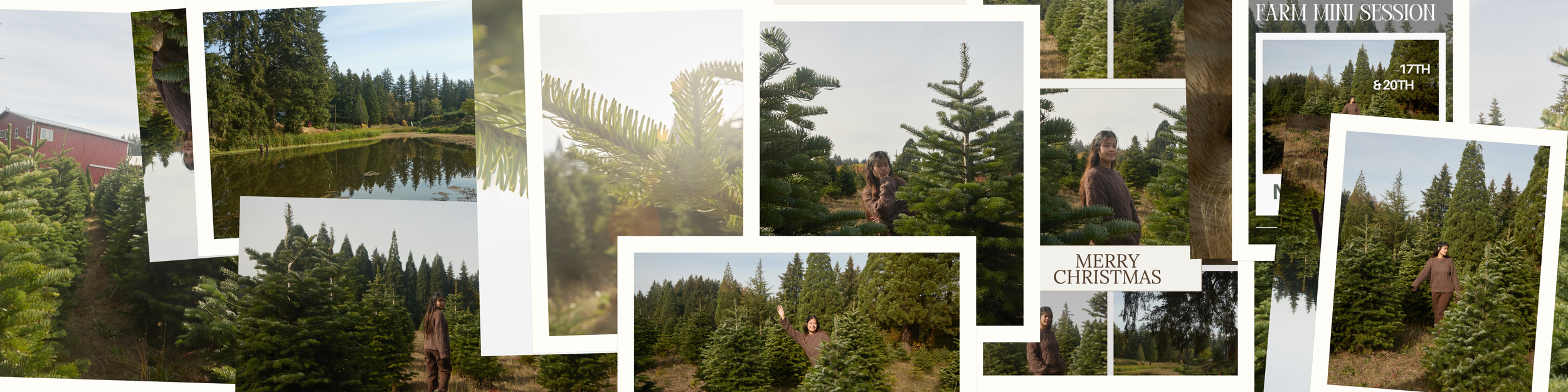
Pick photos that make you feel something.
Look for images that complement your home decor.
Choose a variety of close-ups, full-body portraits, and candid moments.
Don't just choose the photos you think are most Instagram-worthy.
Consider which photos you'd love to look at five or ten years from now.
Always go with glossy photo paper! You get more detail and color than you will with matte photo paper.
3. What size should you print your photos?
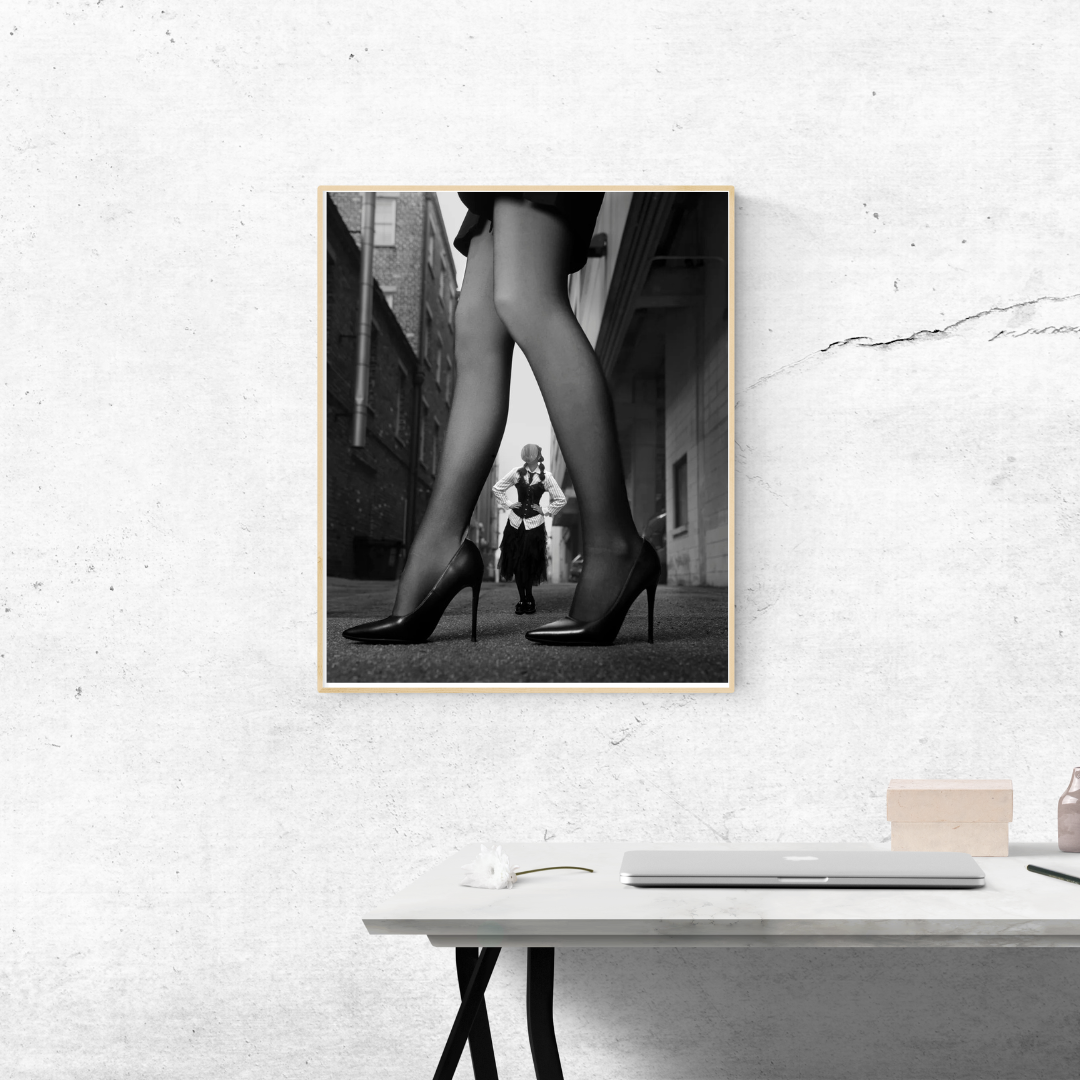
Not sure what size to choose? Here's a quick guide to help you find the right fit for your space:
4×6” – Photo albums and small keepsakes.
5×7” – Small frames, desks, and bedside tables.
8×10” – Shelves, side tables, and smaller wall displays.
11×14” – Larger frames and noticeable displays.
16×20” – Wall art and statement pieces.
20×30” – Large wall displays and statement artwork.

4. Do you need to design your product first?
Before you start ordering, think about what you're actually making. Are you printing a simple photograph for a frame, or creating something that needs a little more design work, like a holiday card, calendar, or graduation announcement?
Some printing companies, like MOO, offer built-in design templates that let you customize your product right on their website. Others allow you to upload your own finished design.
If you want a little more creative control over the layout, fonts, colors, and overall look, you might want to design it yourself first using a tool like Canva. Canva has tons of professional templates you can customize, so you can change the colors, add your photos, play around with layouts, and really make the design your own!
A quick note about bleed and safe margins! If you're designing something yourself, make sure to check the printer's guidelines before getting started. Bleed is the extra bit of background image or color that extends beyond the final cut line. It helps prevent unwanted white edges if the paper is trimmed slightly off-center. Safe margins are the space you leave inside the cut line to keep important details, like text, faces, and logos, from being accidentally cut off.
My tip: You don't have to start from scratch! Templates are a great starting point, especially if you're not sure where to begin. Just make sure your finished design matches the printing company's size, bleed, safe margin, and file requirements before ordering.
5. Where should you print your photos?
Talk about:
Made for business cards! But they also make beautiful Cards and marketing materials.
Perfect for: Save the dates, holiday cards, graduation invitations, calendars, scrapbooks, and more.
5. What kind of photo session did you have?
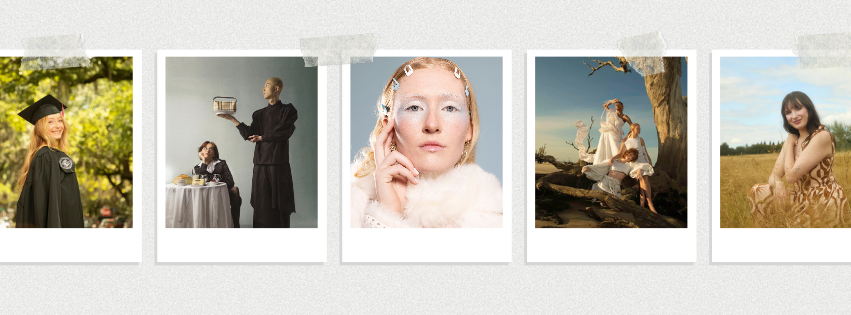
Couples and engagement sessions
Save the Date cards
Wedding invitations
Anniversary prints
Guest book photos
Wedding-day displays
Graduation and senior sessions
Graduation announcements
Graduation party invitations
Thank-you cards
Family keepsakes
Dorm room decor
Family sessions
Holiday cards
Grandparent gifts
Annual family albums
Personalized ornaments
Updated family wall portraits
Branding and headshots
Website updates
Business cards
Email signatures
LinkedIn profiles
Marketing materials
Already thinking about your next gallery?
Whether it's updated family photos, graduation portraits, or just because, I'd love to help you plan your next session.
Photos by me: Mei de Paula